Friday, October 1, 2010

Photographing an overly massive hole!

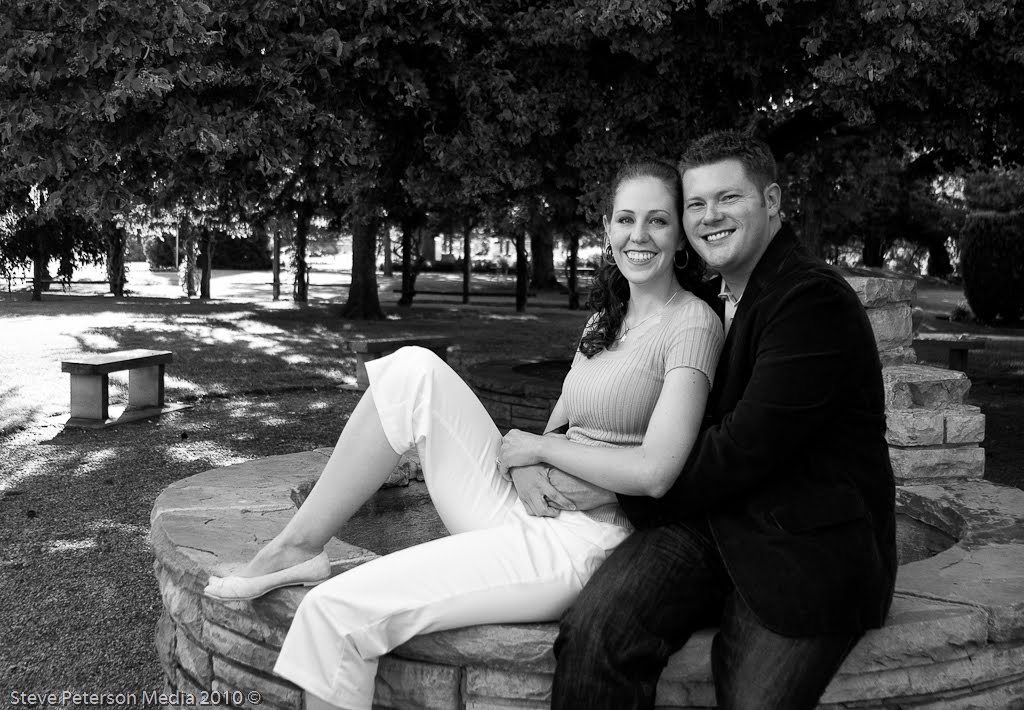
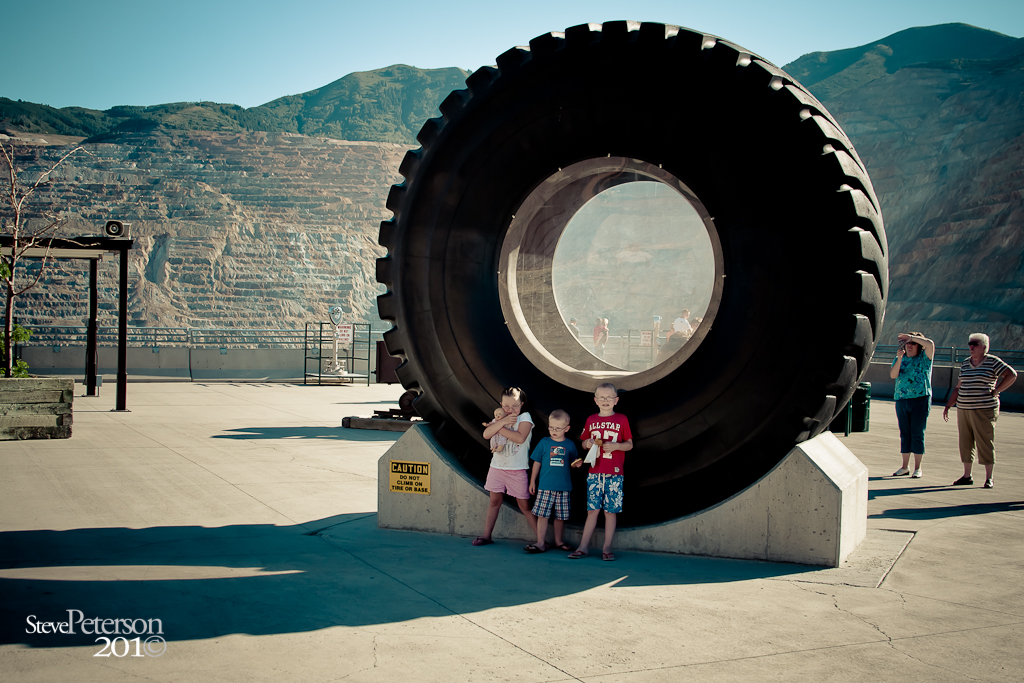
Recently I took my family to the Bingham Canyon Copper Mine (40.53510, -112.15125 map link). This place is massive, you have to visit to fully appreciate it. How could I capture the massiveness of it and still focus on the details? First thing I needed to do was get a picture of the team in front of the massive tire that will hopefully give scale to the size of the hole:
Even though this photo appears to be a tourist snapshot (you can see other tourists lining up the shot on the other side) I tried to make it more like a portrait then a snapshot.

First tip: on capturing the massiveness of this hole was to walk around and see what was around, try to absorb the surroundings. While walking around I try and wax artistic, it gives me a chance to see things from a different perspective:
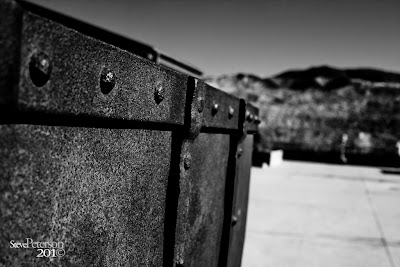
I saw this mine cart and was amazed at the texture and grain and wanted to capture it so I did.

Second tip: look to the left, right and get in close. When you butter toast focus on the outside and the middle takes care of its self, or so I'm told. This was my focus on this hole as well, in the left and right picture you can see a truck (one of the trucks the size of the wheel) that will hopefully give you an idea of the massiveness of this place.
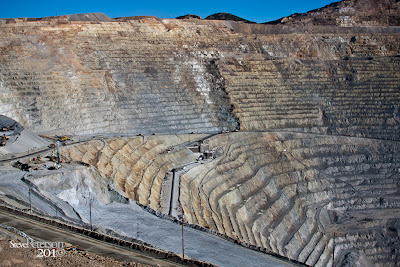
Left: see the little trucks in in the distance?
Right: see the two trucks passing, pretty massive?
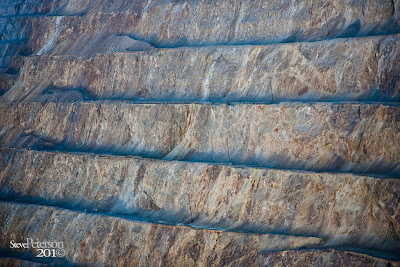
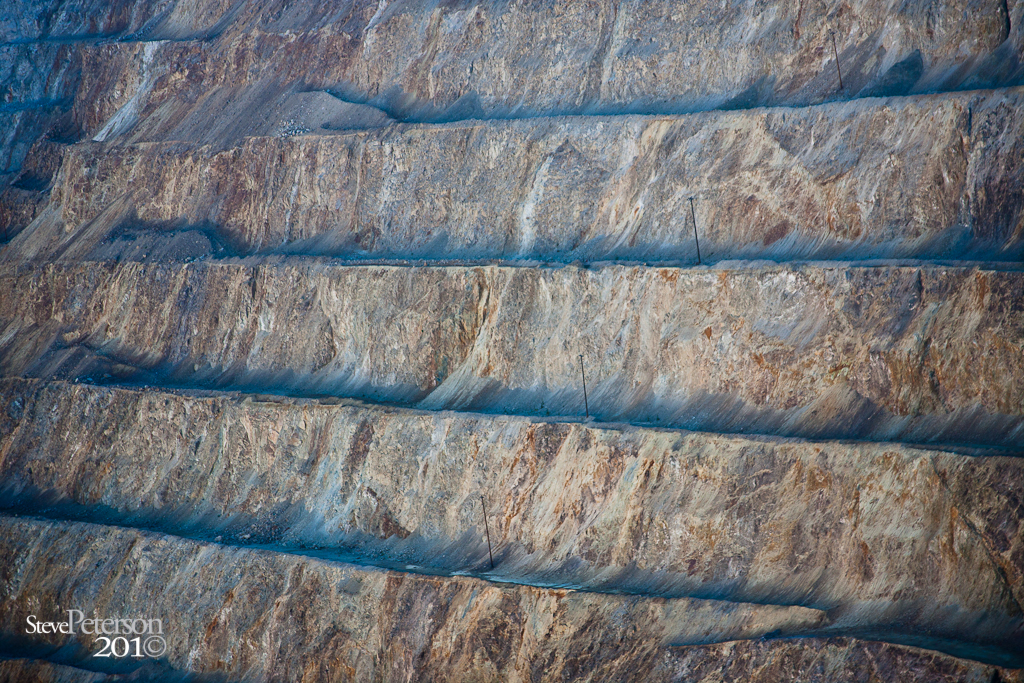
Close up: even though the mine is so big it also has a really amazing repetitive organized pattern.
Reminder: always have your camera with you (its like a record that keeps playing the same tune).

When was the last time you printed images?  The more you print the more you will see and feel your images which I think makes you a better photographer.

Friday, August 6, 2010

The power of under or over exposed photos.


Tip: Make sure you have your camera with you at all times.
This is just a tip not necessarily one relating to this post ;)  
When you are taking pictures of something else turn sidewards and around and to the other side to see what is around you. I was taking a few pictures of a temple and wanted to see what the road looked like in the camera, it was okay, but then I thought why not take one over exposed (to clip out the boring stuff like houses and clouds) and try to make it look like a ink illustration or drawing and BANG That's what I got.  I like it, but it's been a long week and I'm sorta looking forward to a very un-eventful weekend.
To get these results: 
  1. crop and straiten your image to the desired size if needed.
  2. open the image in photoshop (if its not already)
  3. in the adjustments section add a Posterize layer and set the level really low like 4 (this will clump colors together sorta makes it blocky)
  4. now add a Threshold layer you have to play with the settings it's really cool to see.
  5. Save your image and share it with people on the web (like me, let me see your art work)
Note/tip: you may need to play with the Posterized and Threshold layers to get the look you like.

I want to help you.  If you have an image you would like me to look at for corrections or tips send me a link or the image and we can talk about it.

Thursday, July 15, 2010

Photography 101 tip: Eyes

I think everybody who does Photography as a Hobby or a Profession at one time or another teaches someone how to use a camera or take pictures. I love to teach people about photography, we can share "secrets" together and get smarter together, it's amazing how it works.

Tip: when you take pictures of people, as a general rule try to keep the camera on the same level as the eyes of your subject. One exception to this rule, when taking pictures of women have the camera slightly above your subjects eyes. Another exception to this rule, when taking pictures of men have the camera slightly below the eyes. Try it, it's really fun.

General rule example:


Women:


Men:


I don't like to put pictures of kids on the web for safety and security reasons... but that being said here is a picture of my son taking a picture, great form :)

 
my other page: www.StevePetersonPhotography.com